DIY Tips: Designing Your Own Promotional T-Shirts
Why Design Your Own Promotional T-Shirts?
Creating your own promotional t-shirts can be a fun and rewarding experience. Not only does it allow you to express your creativity, but it also serves as an effective marketing tool for your brand or event. Custom t-shirts can help you stand out, convey your message, and connect with your audience in a memorable way.
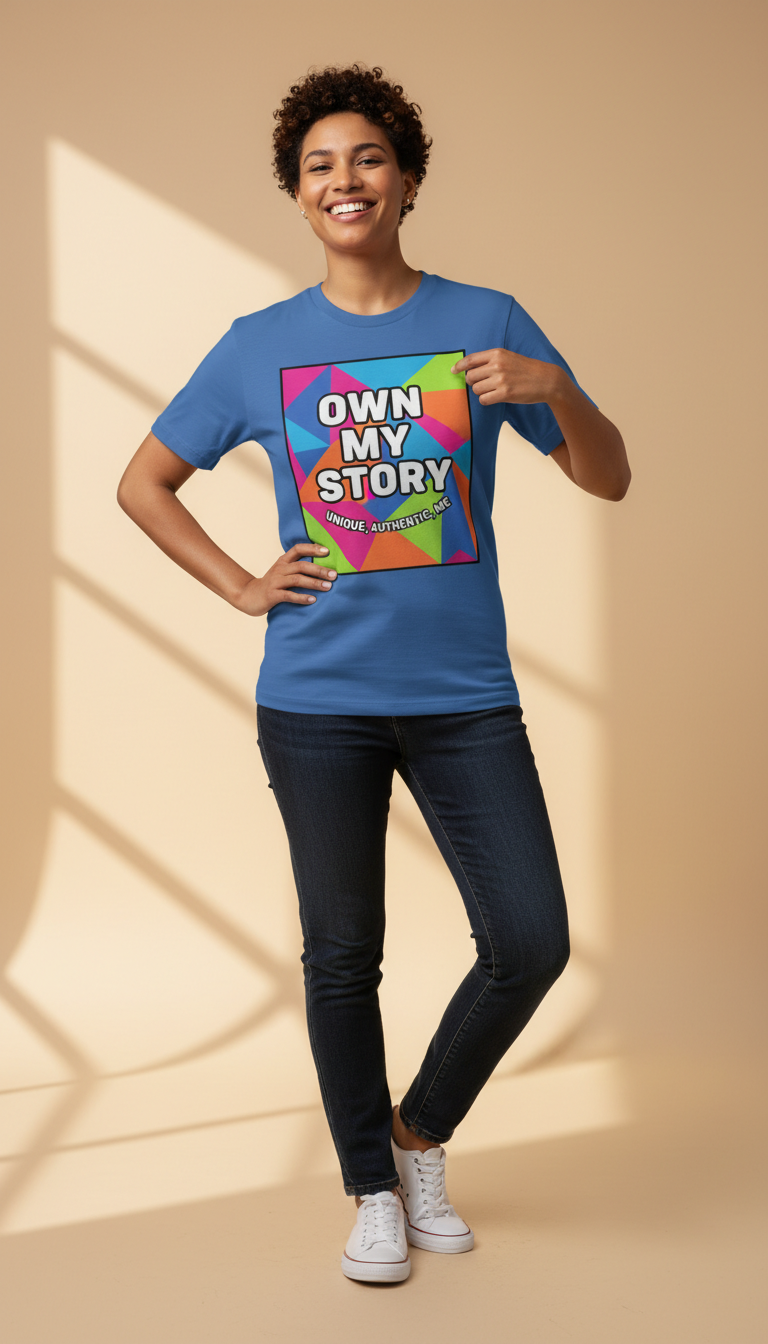
Whether you're promoting a business, a charity event, or simply want to create something unique, designing your own t-shirts offers endless possibilities. With the right tools and tips, you can create a design that resonates with your target audience.
Getting Started: Tools and Materials
Before diving into the design process, gather the necessary tools and materials. Here’s a quick checklist to help you get started:
- High-quality t-shirts in your desired colors and sizes
- Design software (like Adobe Illustrator or Canva)
- Heat press or iron for transferring designs
- Transfer paper suitable for your printer
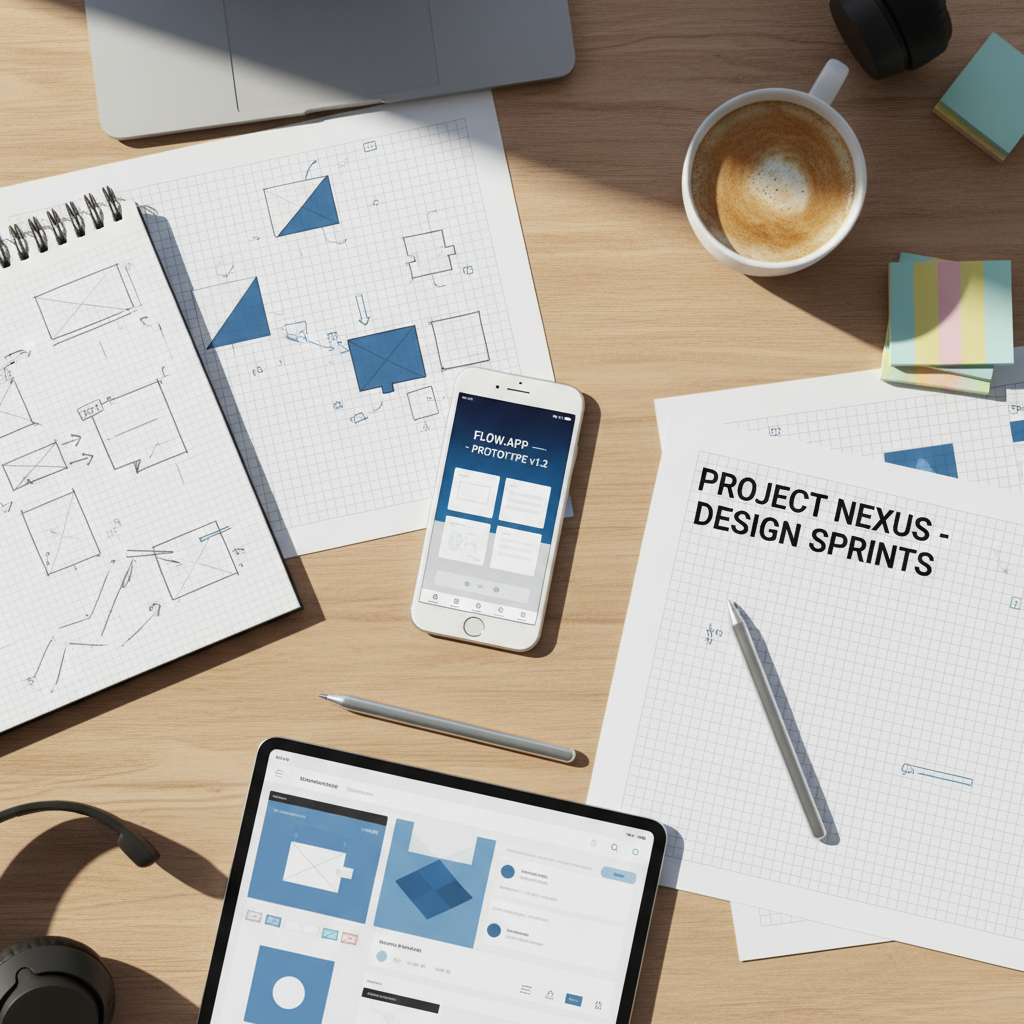
Having the right materials ensures that your final product looks professional and lasts longer. Investing in good quality t-shirts and transfer paper can make a significant difference in the outcome.
Creating the Design
Start by brainstorming ideas that align with your brand or event. Consider your audience and what message you want to convey. Here are some design tips:
- Keep it simple: A clean, simple design is often more effective than a cluttered one.
- Choose colors wisely: Make sure the colors you select are harmonious and represent your brand.
- Use high-resolution images: This ensures your design looks crisp and professional.
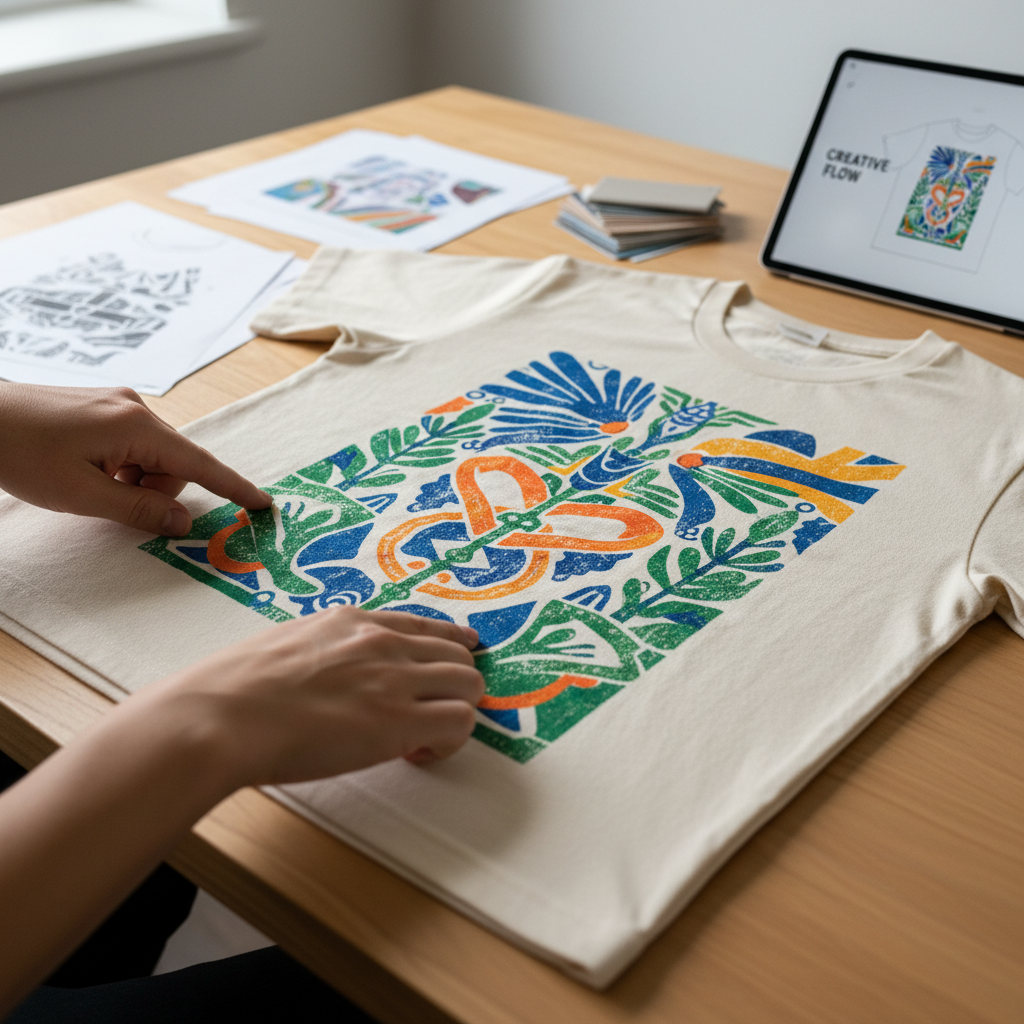
Once you have a concept, use design software to bring your ideas to life. Play around with different fonts, colors, and images until you’re satisfied with the result.
Printing Your Design
After finalizing your design, it’s time to print. If you're using a home printer, ensure it’s compatible with the transfer paper. Follow these steps for a successful print:
- Print a test page to check colors and alignment
- Use the mirror image setting for text-based designs
- Cut out any excess paper around your design
Once printed, use a heat press or iron to transfer the design onto the t-shirt. Follow the instructions provided with your transfer paper for best results.
Finishing Touches and Tips
After transferring your design, let it cool completely before touching. This ensures the design sets properly and minimizes any smudging or peeling. Here are some additional tips:
- Wash t-shirts inside out to preserve the design
- Avoid using bleach or harsh detergents
- Air dry or use a low heat setting in the dryer
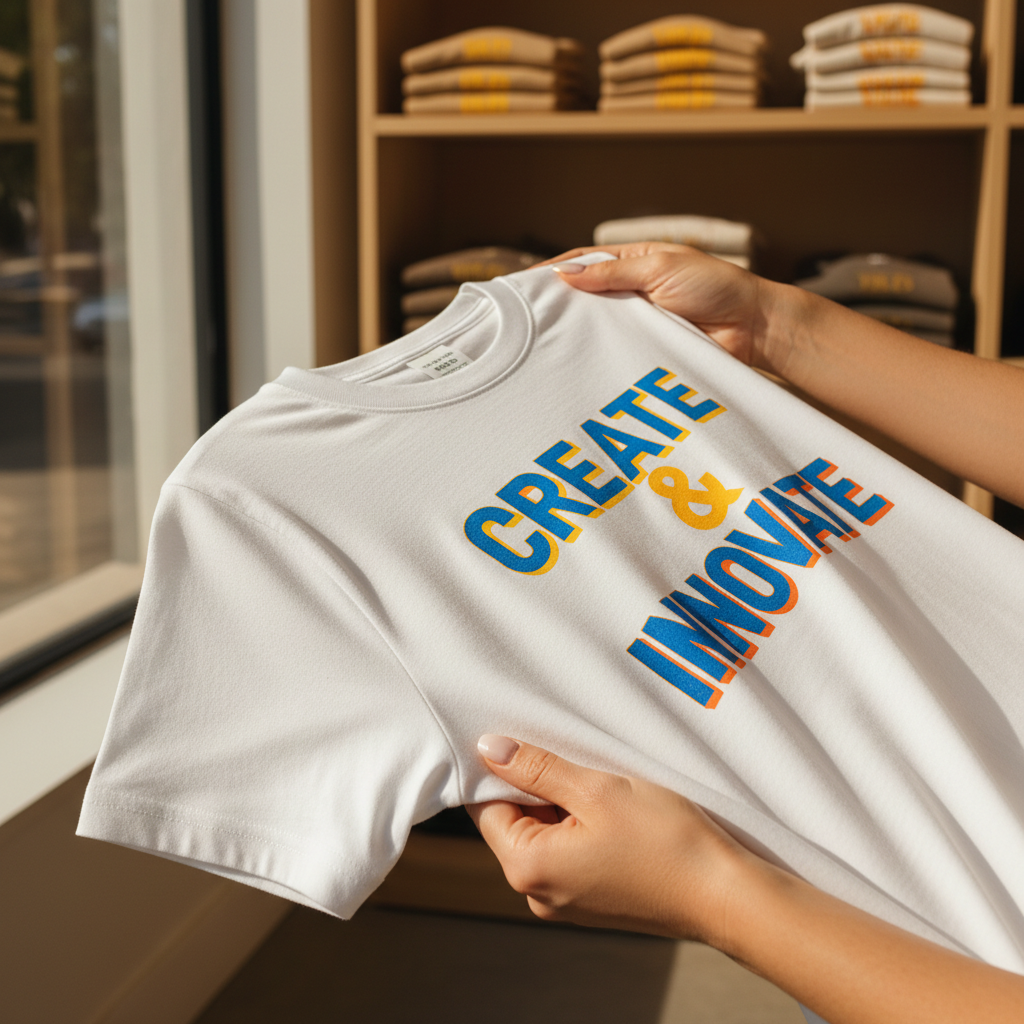
Taking care of your custom t-shirts will ensure they last longer and continue to look great. With these DIY tips, you can create promotional t-shirts that are both stylish and effective in promoting your message.